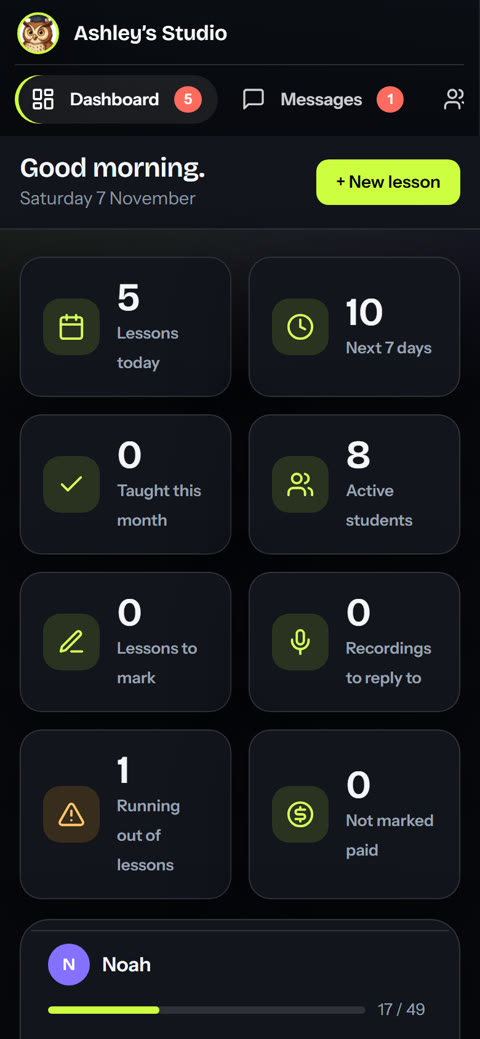
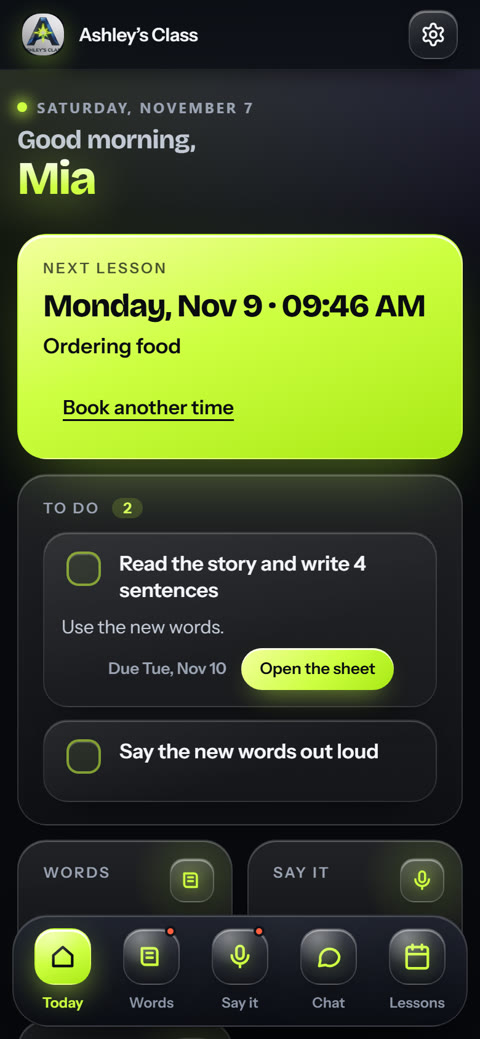
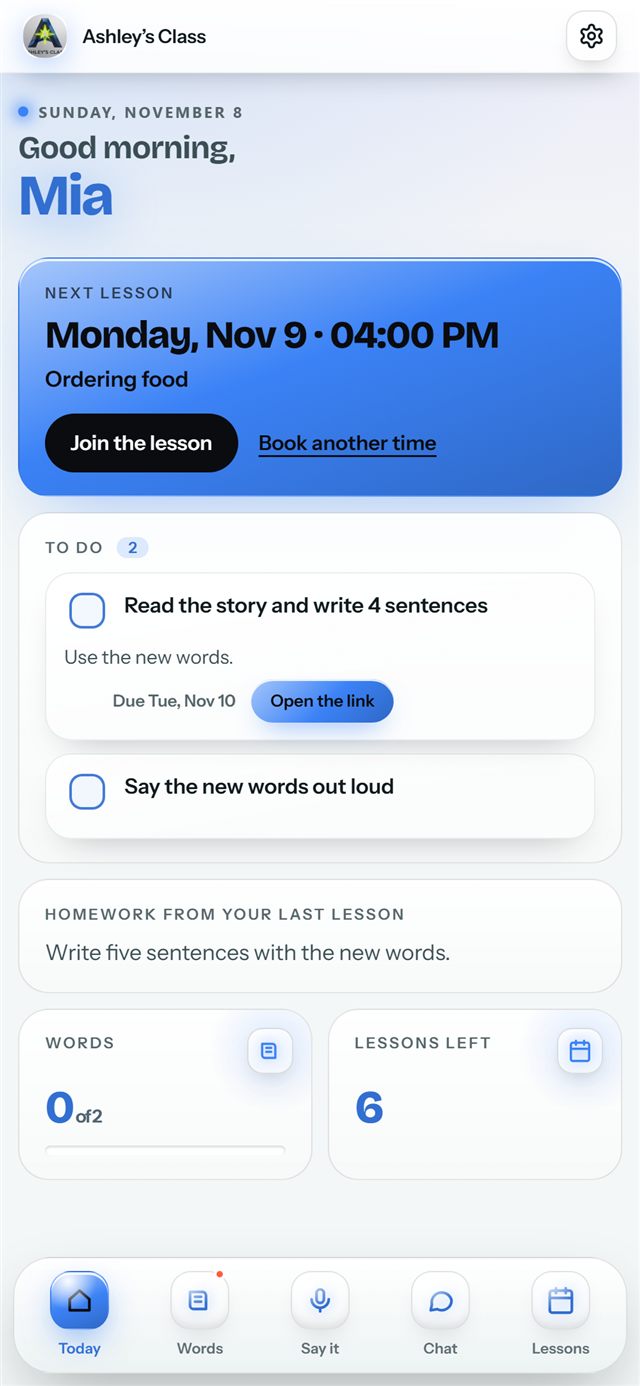
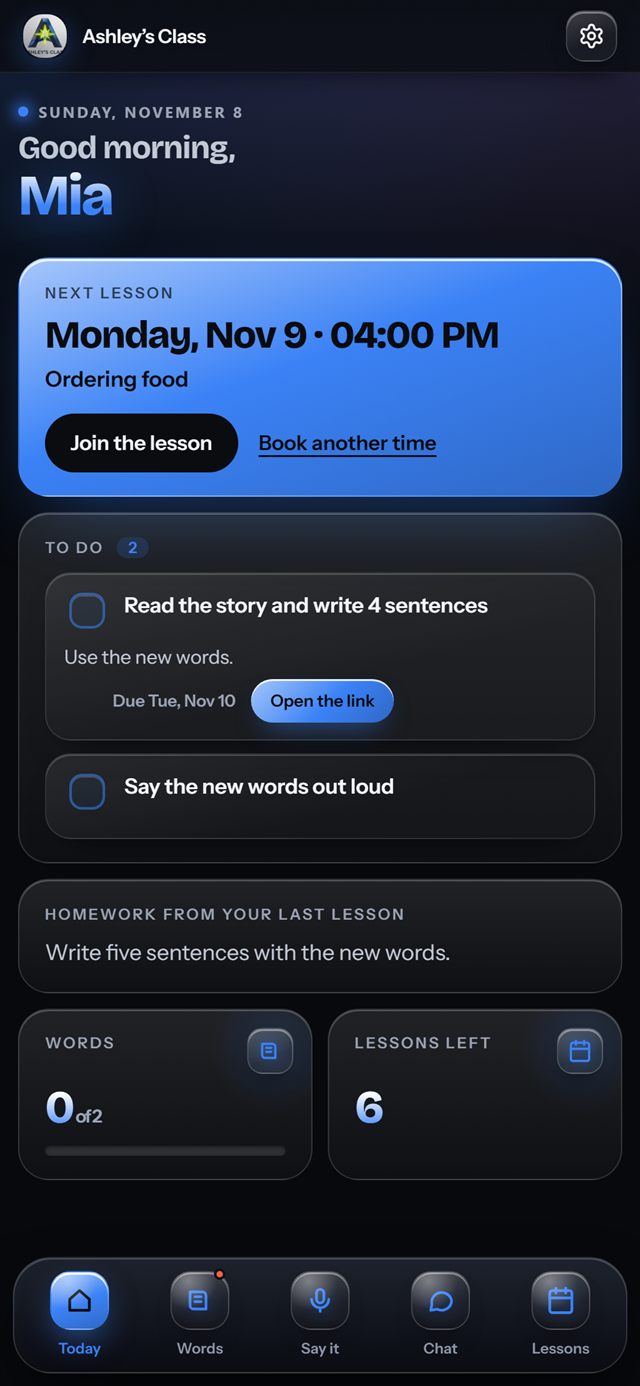
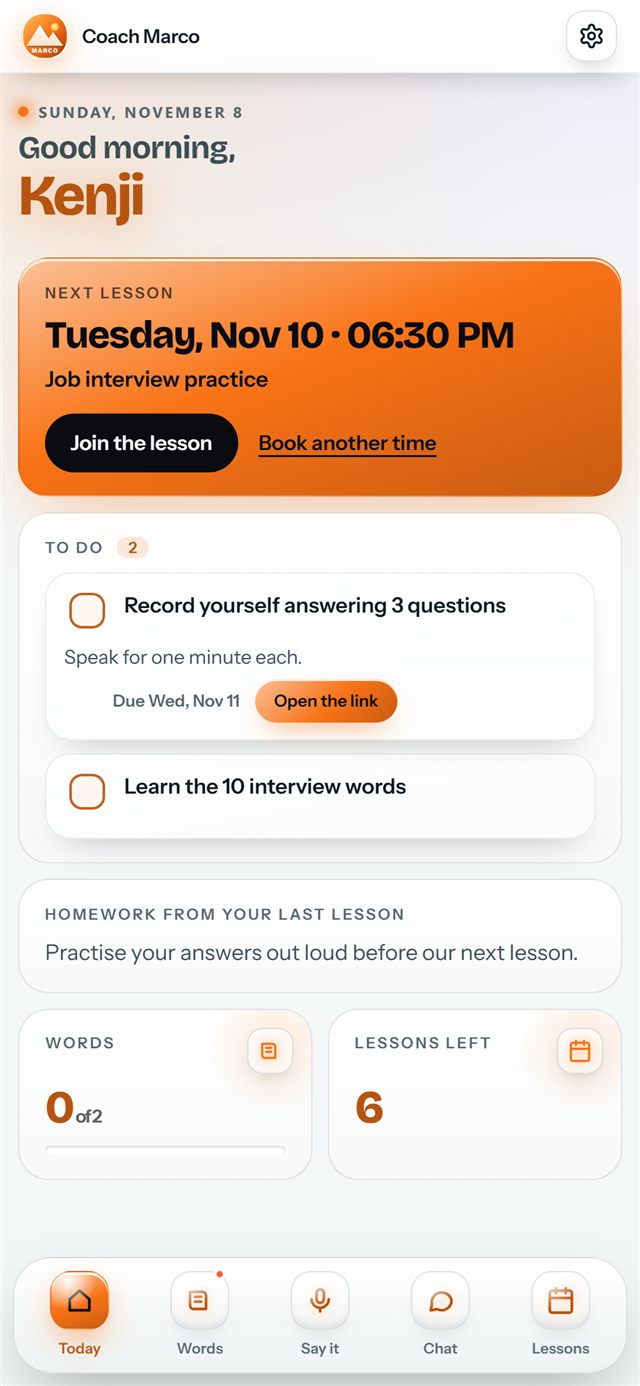
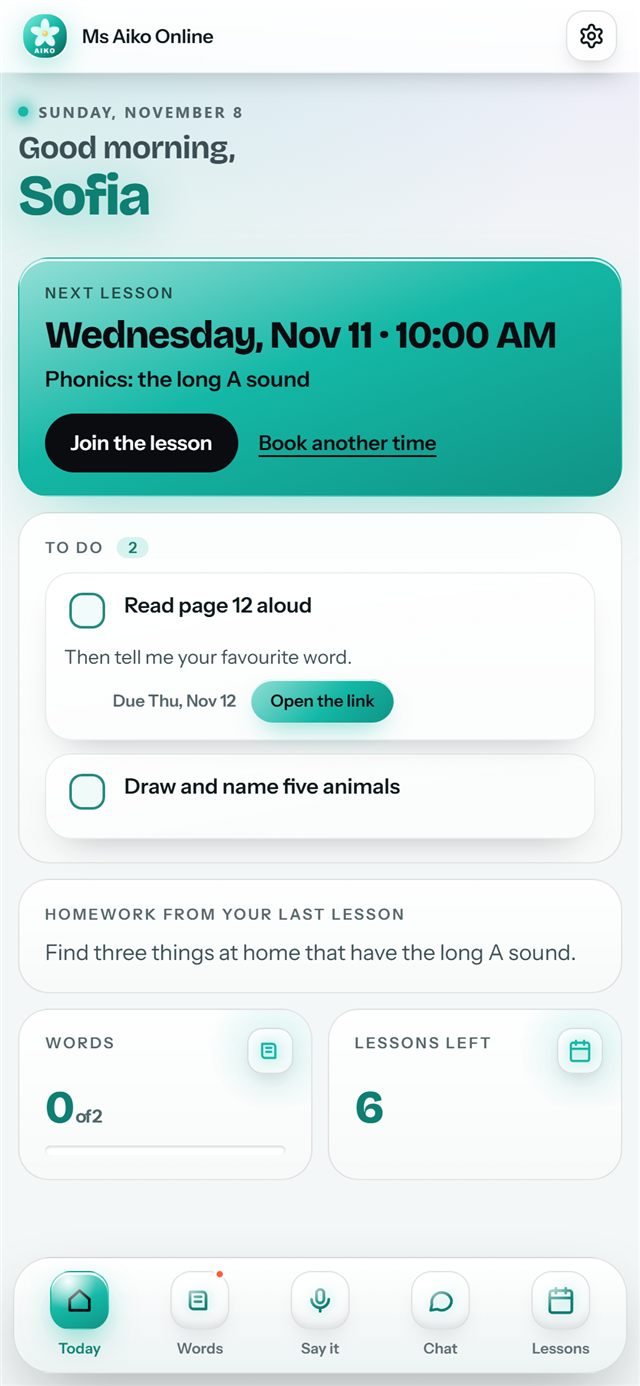
Teacher Studio is the calendar, bookings, homework and messages for online teachers, with a student app that carries your logo, your name and your colour. Even the worksheets you send wear your name.
Studio does not host lessons: you keep teaching on the video app you already use. Founding price $29.99 for your first year. Your students never pay.
For teachers who already have students. Studio does not list you or find you students. Looking to be found by students? List as an online tutor instead.


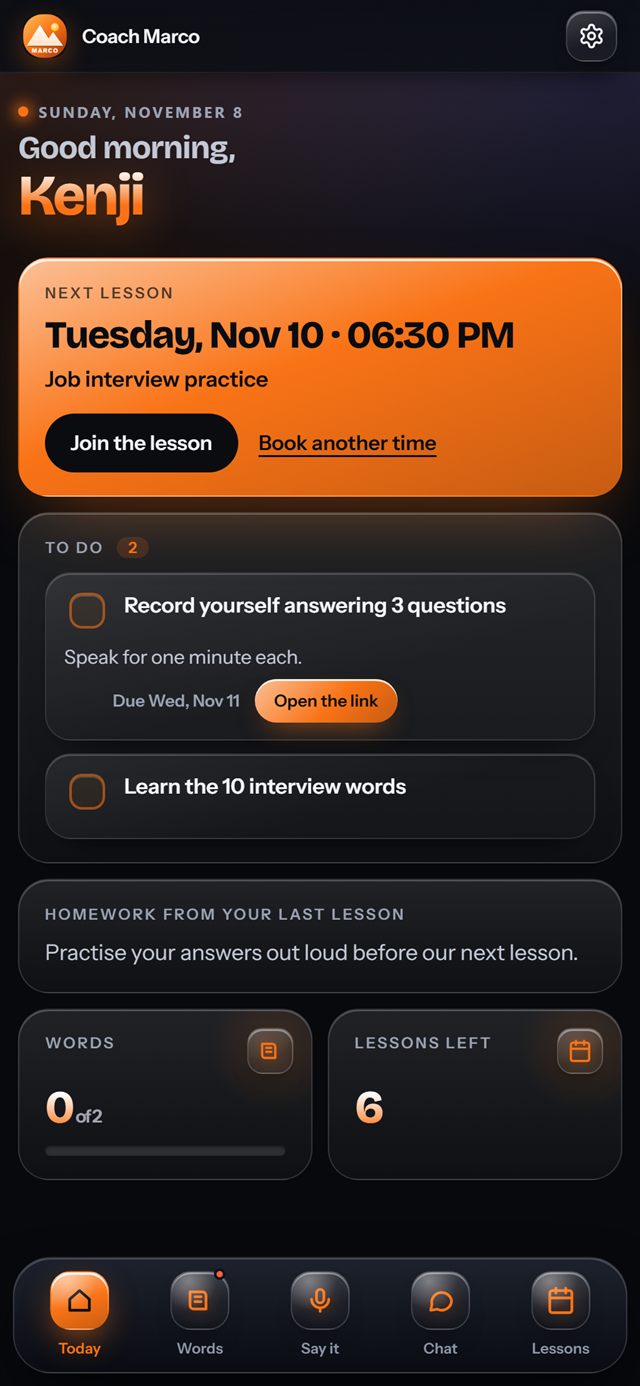
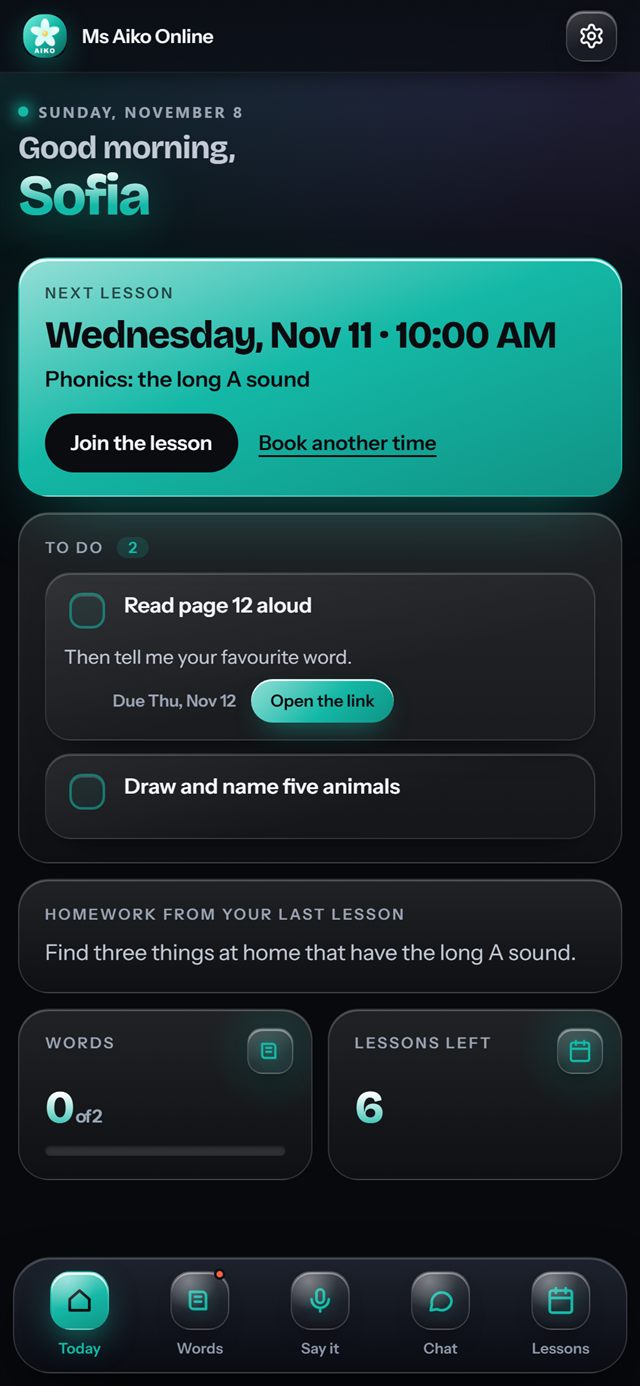
Every teacher gets an app that looks like theirs. Pick a colour, add your logo, and choose a calm dark screen or a bright white one. Your students open it from a private link on their phone, with nothing to install.


The real student app, with sample lessons, for three example teachers. Same app, same features: you choose the colour, the logo and the look. Your students never pay.
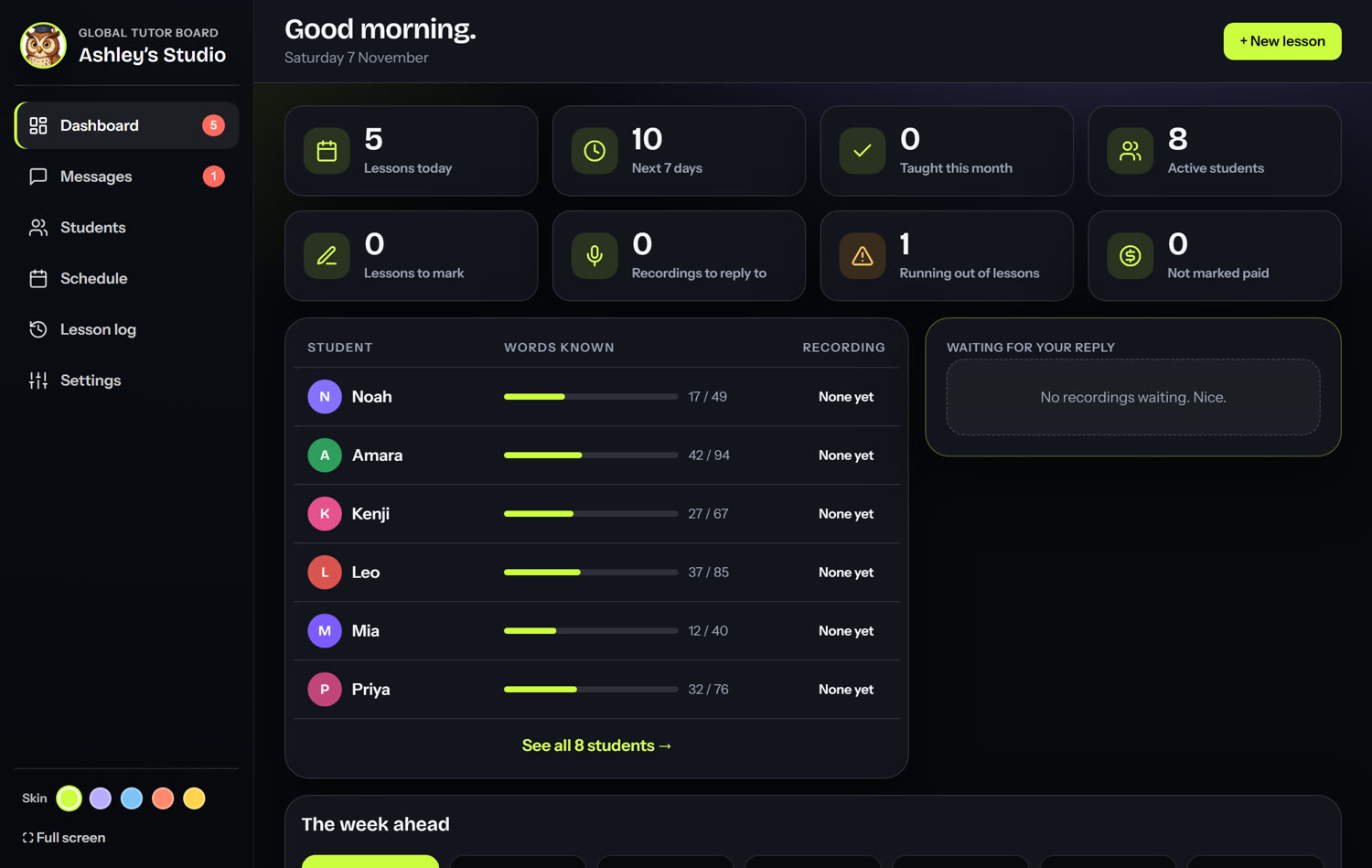
This is the real Teacher Studio with made-up students in it. Open the dashboard, send homework, read a student’s message, look at the calendar and the app your students would get. Nothing is saved and nothing costs anything to try.
Works on a phone or a computer. No sign-up.
Your lessons stay on the video app you already use. Studio replaces the calendar, the chat app, the folder of worksheets and the notebook around them, and your students see only what they need.
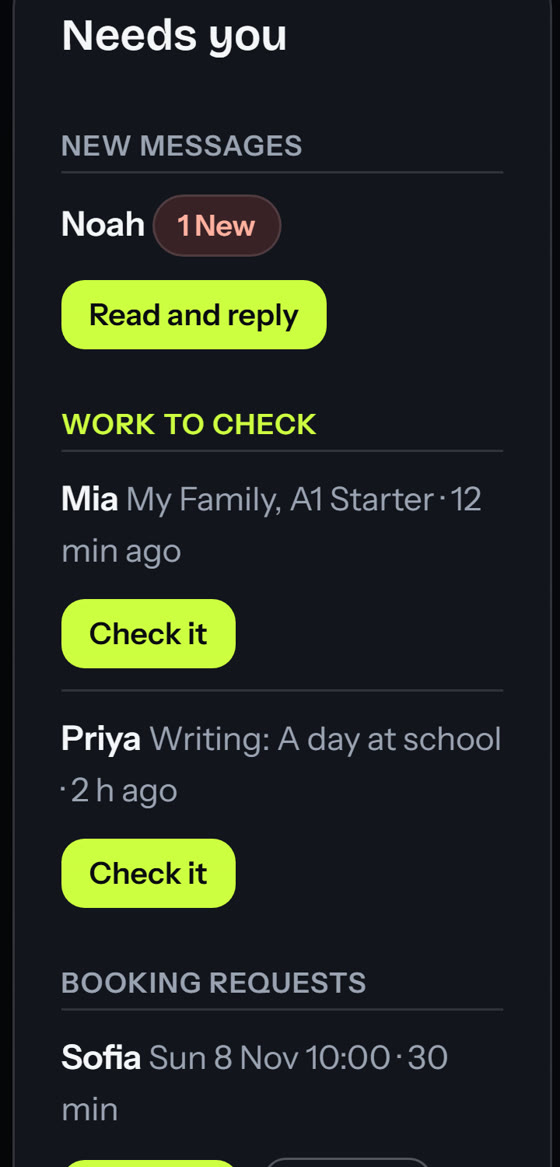
Open the times you teach. Students ask for a slot in their app, and you approve or decline with one tap. Repeating lessons take seconds to set up.
Lessons taught, lessons left in their package, what they have paid, notes, and their word bank. Up to 60 students.
Send a worksheet, reading or exercise from over a thousand pieces. Add what to do, a due date and a note, and it lands in the student's to-do list.
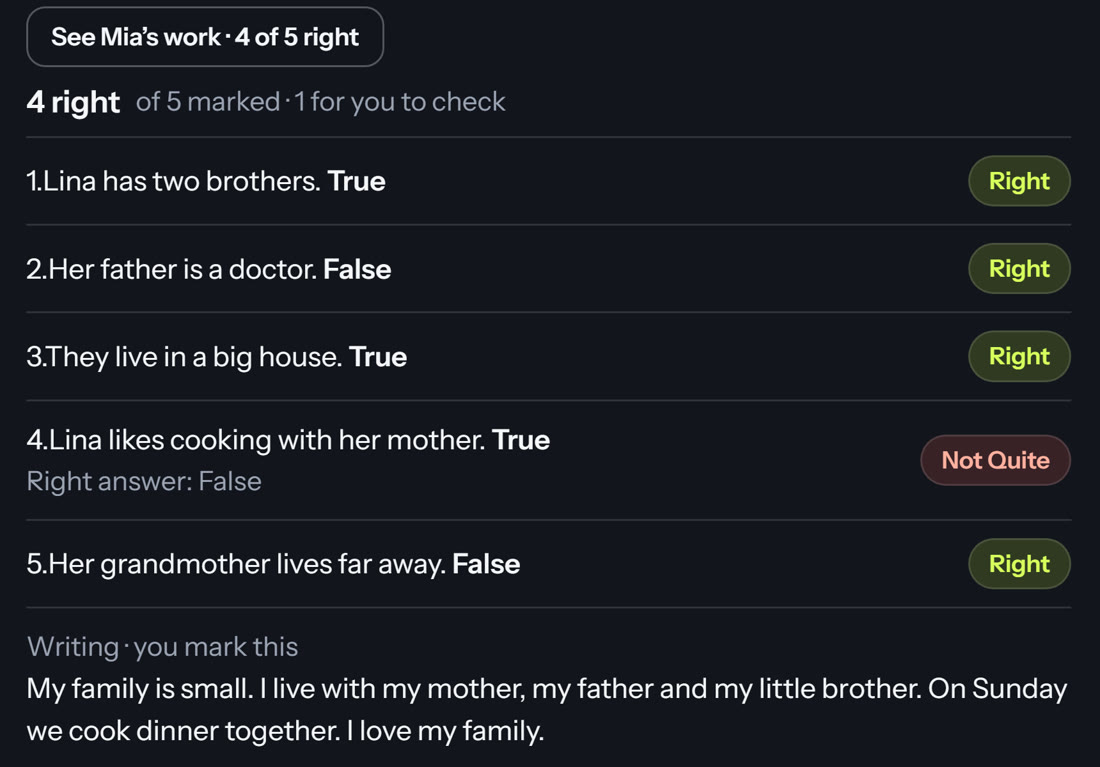
When a student finishes, you get an alert. Open it and see the answers marked right or not quite, with the right answer beside the mistakes, and their writing ready for you.
Students write to you from their app and you answer from one inbox. Notifications reach your phone when you turn them on.
Highlight a word during the lesson and it goes straight to the student's word bank. A mispronounced word becomes a Say it task they can record and send back.
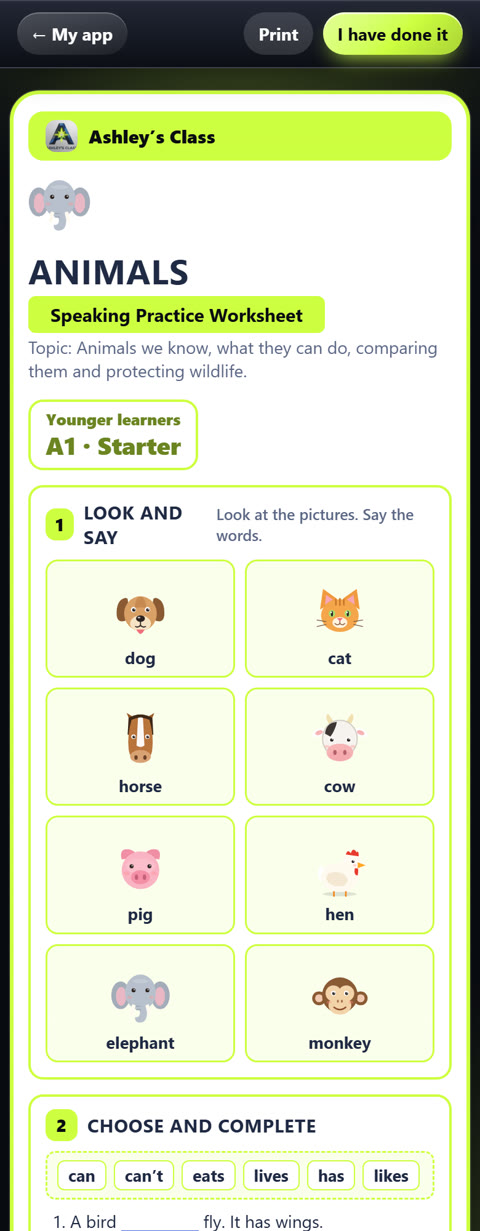
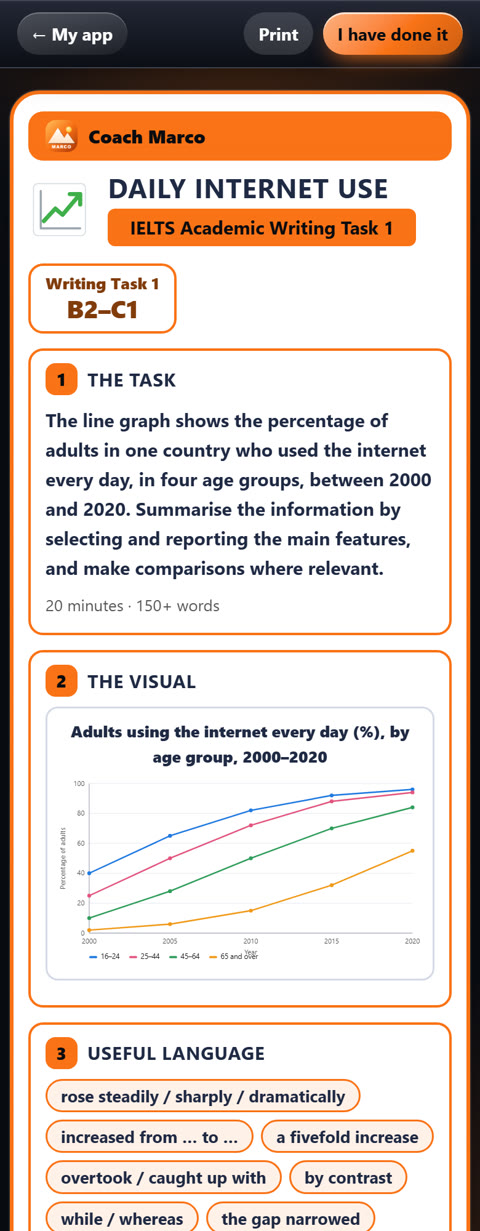
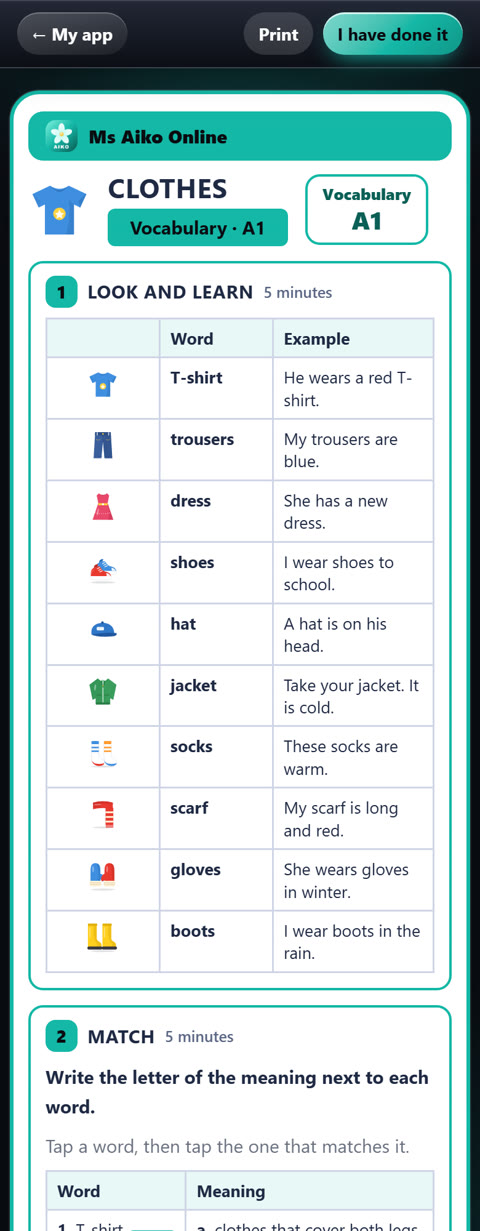
Every worksheet, reading and exercise you send carries your logo, your name and your colour at the top and all the way through. To your students, the material is yours.


Three pieces from the library, sent by three different teachers: an A1 picture worksheet, an IELTS exam-prep task and a vocabulary sheet. A small “Materials by Global Tutor Board” line stays at the foot of each sheet. Students do the sheet on their phone, and their answers come straight back to you.


Type a name, or import a list. Open your lesson times and choose the name, colour and logo of your student app.
Every student gets a private link and a QR code. They open it on their phone and add it to the home screen.
Bookings, homework, messages and marked work now run from one place, in your name.
No. Teacher Studio does not host lessons or video calls. You keep teaching on the video app you already use. Studio is where you run everything around the lesson: your bookings, homework, messages and marked work, and the student app your students use between lessons.
Just their private link, on a phone, tablet or computer. There is nothing to download, and they can add it to their home screen. They never pay for anything.
Yes. You choose the name, the colour and your own logo for your students' app. Worksheets you send carry them too. A small “Materials by Global Tutor Board” line stays at the foot of each sheet.
Up to 60 students per teacher.
Each student has their own private link, and their lessons, messages and answers are seen by you and that student. Read how we handle information in our Privacy Policy.
No. Your lessons and your students are yours. Teacher Studio is a flat yearly price.
Right now. Create your account, pay by card, and Teacher Studio opens straight away.
Leave a few details and we will let you know when there is news about Teacher Studio. You can get Teacher Studio any time from the button at the top.